Documentsi-have-added-collaborators-but-they-cannot-see-my-players
I have added collaborators but they cannot see my players
A collaborator only sees the players in the groups assigned to them.
Collaborators open your account from the profile menu at the top right: under Accounts, they select your account. If some players are still missing, check the groups assigned to the collaborator. See Collaborators.
New interface
- Go to Settings and then Collaborator Settings.
- Click the edit (pencil) icon next to the collaborator.
- Under Assign to Groups, select the groups whose players the collaborator should see, or select All.
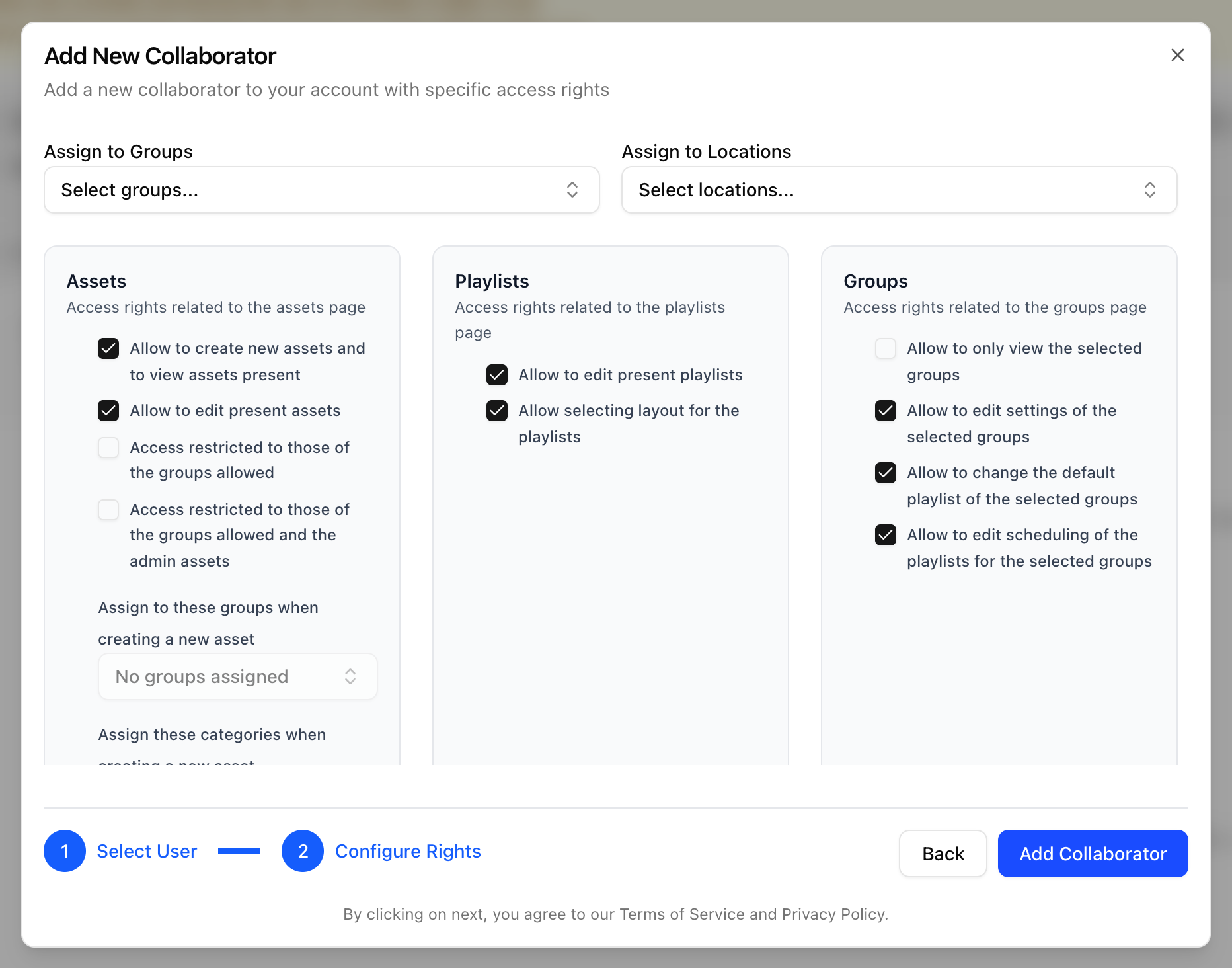
- Click Save Changes.
Legacy UI
In the legacy UI collaborators can use the username URL of the account, or click the welcome button and choose the account from the dropdown.
https://{{username}}.pisignage.com