Amazon Signage Stick
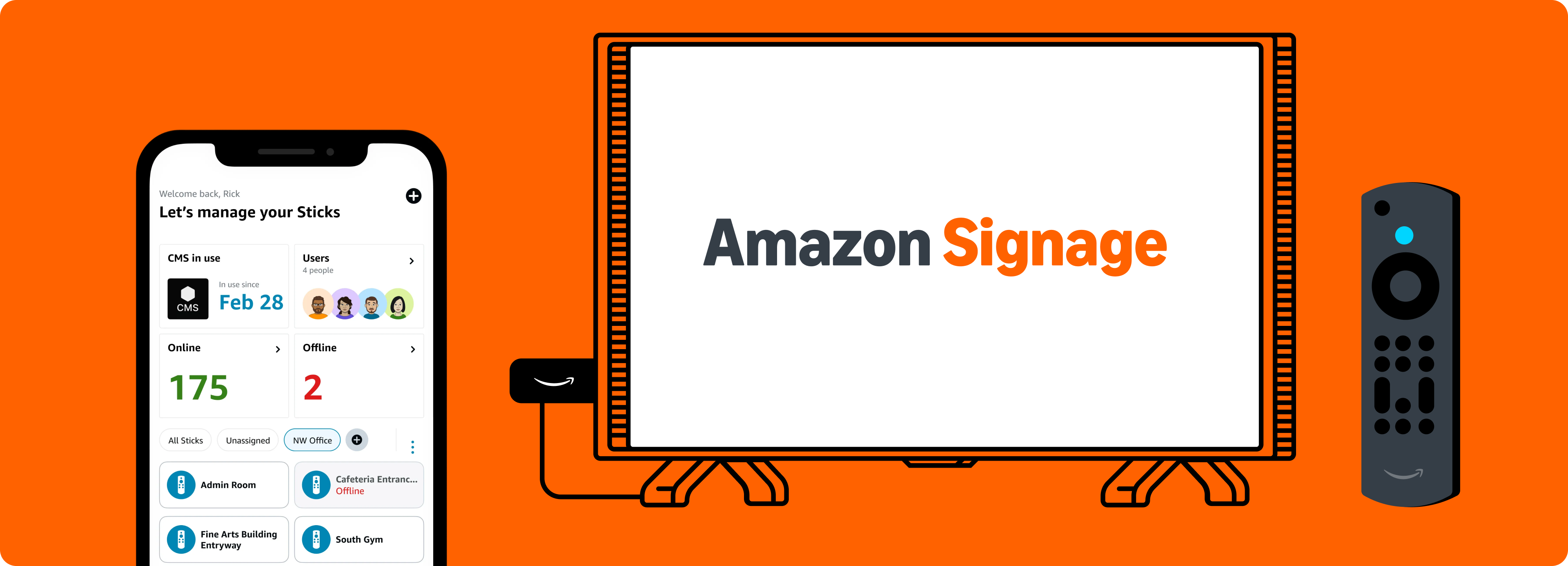
 The Amazon Signage Stick is an affordable, purpose-built digital signage player offering effortless setup and powerful performance. Designed for businesses and organizations of all sizes, it integrates seamlessly with PiSignage and delivers a robust, feature-rich experience. Elevate and simplify signage with a plug-and-play solution that scales easily across multiple locations.
Where to Buy?
You can order the Signage Stick using the link below

What we love!
Seamless integration with PiSignage - straight out of the box. Just plug and play to get started.
Affordable professional signage - get premier signage performance accessible for a wide range of businesses and applications.
Designed for digital signage - auto-launches PiSignage increasing uptime without requiring user involvement.
Easy set up – connect to displays and PiSignage to have content running in minutes. No technical expertise needed.
The Amazon Signage app - set up multiple Signage Sticks faster and easier - no remotes needed. Plus, monitor all devices from a centralized dashboard while on the move.
Powerful performance - with quad-core SoC, 4K video streaming and playback and high bandwidth WIFI 6E connectivity.
Engineered with security in mind - with a secure boot loader, data encryption, and regular updates that keep signage safe and running smoothly.

Some considerations
A separate plug-point will be required to power the Amazon Signage Stick.
The Amazon Signage Stick is currently only available in the United States.
Technical specifications
| Spec | Description |
|---|---|
| Size | 99 mm x 30 mm x 14 mm (only housing) 108 mm x 30 mm x 14 mm (including the connector) |
| Weight | 43.5g |
| Processor | Quad-core 2.0GHz |
| GPU | 850MHz |
| Storage | 16GB |
| Memory | 2GB LPDDR4 |
| WiFi | Wi-Fi 6E tri-band: 802.11 a/b/g/n/ac/ax (2.4GHz, 5GHz, and 6GHz) |
| Bluetooth | Bluetooth 5.2 + BLE |
| Audio Support | HDMI audio pass through up to 5.1 |
| 4K Support | To run video streaming and playback in 4K you need a compatible 4K-resolution display, a CMS that supports 4K, and 4K content. |
| Content Formats Supported | Video: HDR 10, HDR10+, HLG, H.265, H.264, VP9, AV1. Audio: xHE-AAC, AAC-LC, AAC+, eAAC+, AAC-ELD, MP3, AMR-NB, FLAC, PCM/WAV, Vorbis, MPEG-H pass-through, DTS passthrough, DTS-HD passthrough (basic profile). |
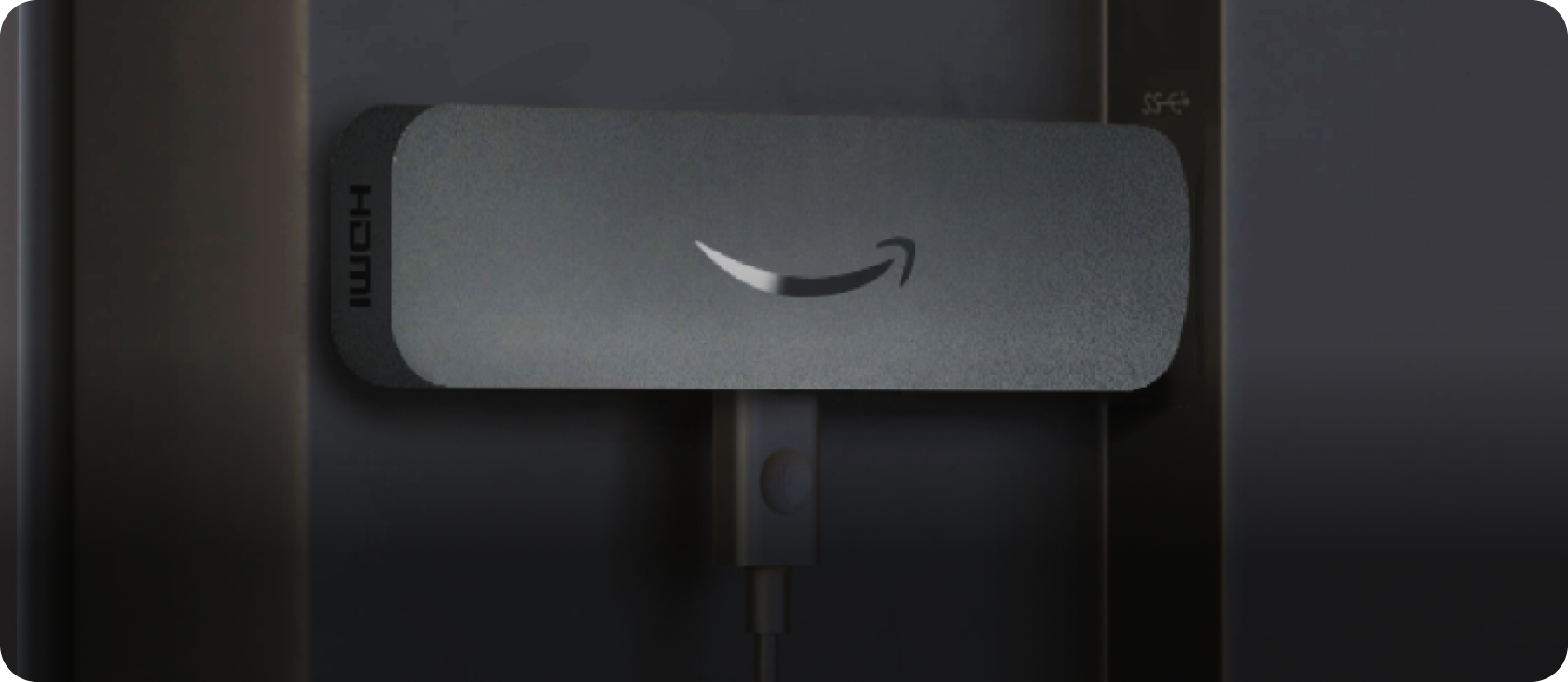
| Ports | HDMI 2.1 output with ARC input support, micro-USB |
| System Requirements | High-definition display with available high-speed HDMI input, high-speed internet connection via wifi. Wi-Fi 6E router needed for Wi-Fi 6E support. Auto-Low Latency Mode is included in the HDMI 2.1 standard. |
| Display Compatibility | Display must support minimum HDCP requirements for protected content playback. Compatible with 1) 4K UHD display with HDMI capable of 2160p at 24/25/30/50/60 Hz and HDCP 2.2 or 2) high-definition displays with HDMI capable of 1080p or 720p at 50/60 Hz. |
For the remote
| Spec | Description |
|---|---|
| Size | 38 mm x 157 mm x 17 mm |
| Weight | 51g (without batteries) |
| Batteries | 2 AAA (included) |
| Technology | Bluetooth and infrared |
Setup
A Simple 3 step process
Connect and boot up the Signage Stick
Choose PiSignage from the CMS dropdown
- You will need the Mobile app or included remote for this
- Copy the 16 digit number that appears on screen
Register your player on PiSignage.com
- Go to PiSignage.com/players
- Click on Add screen in the top right
- Register the screen using the 16 digit number from step 2
- Choose a group to add the player to
To show content
- Add Assets
- Add your assets to a playlist
- Add your playlist to a group
- Deploy the group to see your content to a player
Tips and Tricks
The Amazon Signage mobile app gives you a great way to easily set up multiple Signage Sticks simultaneously and monitor them on the move.
Organising the players by location both PiSignage and Amazon Signage Mobile app will help manage them better.