Signup
You can create a new account at PiSignage.com/signup
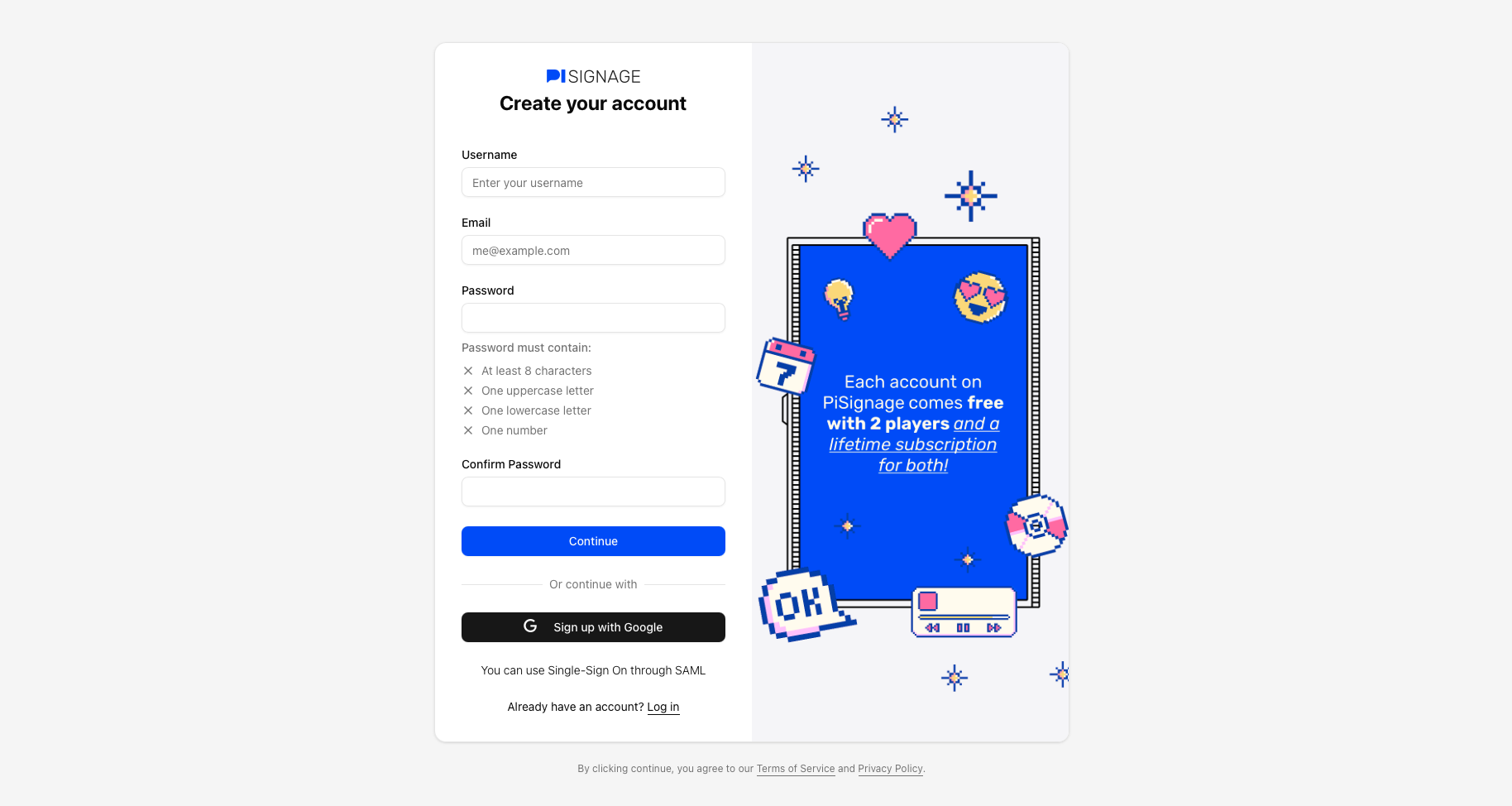 The steps for signup are as below
Choose a unique username, Enter your Email address and choose your password. Alternatively you could sign up with Google
Verify your email address (this step is skipped if you signup with google)
Optionally Setup your 2 factor authentication (via your app or through an email OTP)
Setting up an authenticator app
During signup: During signup you can setup your authenticator app by choosing the appropriate option and scanning the given QR code.
For an existing account: Click on your profile settings in the top right of the screen. Once you enter your password you can proceed to setup your authenticator app under the 2FA options
Signing up with SSO
During signup: During signup you can click on the link below “Sign up with Google” to sign up with SSO. It should read as “You can use Single-Sign On through SAML”

For an existing account: Please write to support@pisignage.com with your username. We will reach out to help set up the same
Login
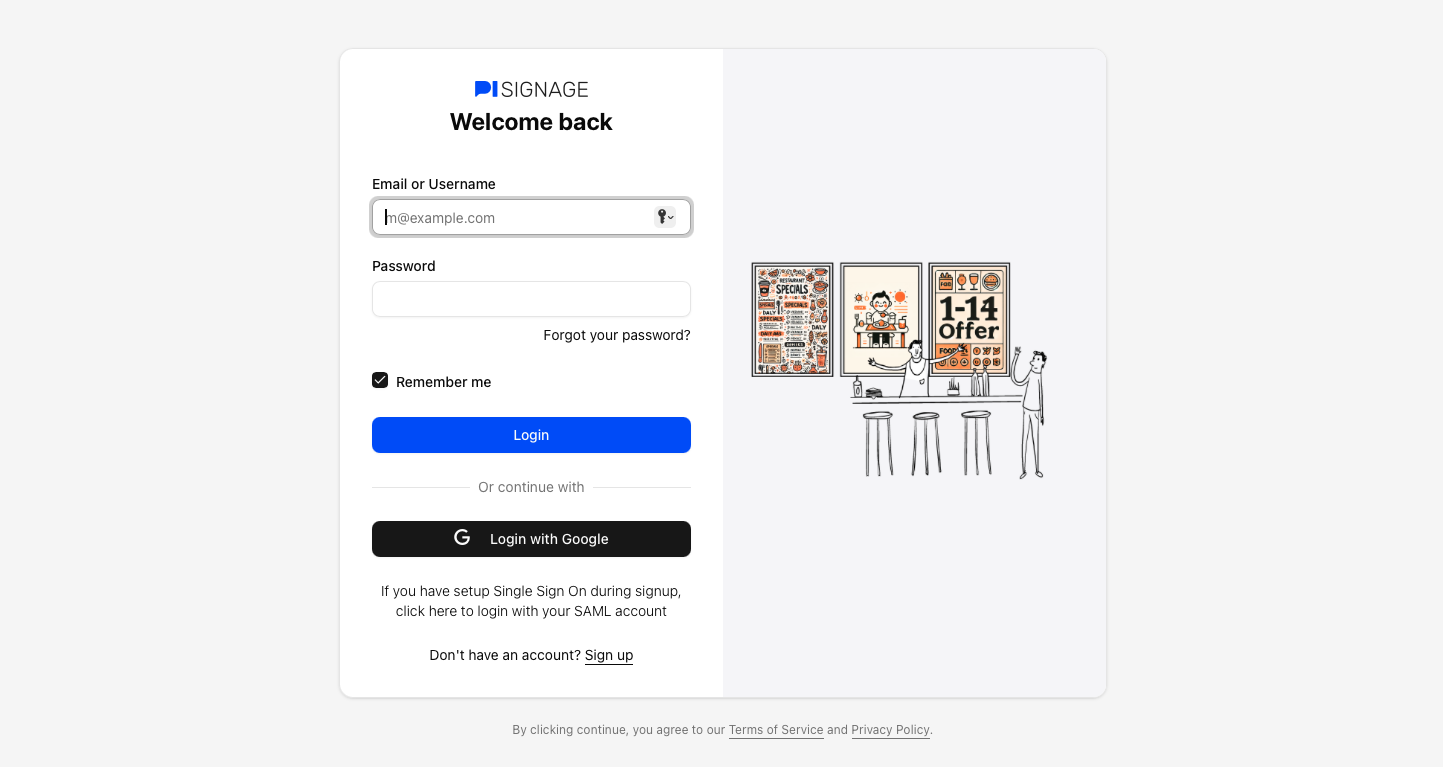
You can login to your account via Pisignage.com/login
I am asked for an OTP
 You maybe asked for an OTP the first time you login from a new location to verify your identity. This is done to keep your account secure and to prevent suspicious logins. The OTP is sent to your verified email ID.
In other cases you may have enabled 2FA in your account either via email or an authenticator app.
If the OTP is preventing you from logging into your account please write to support@pisignage.com with your username.
Forgot password
 To reset your password please visit Pisignage.com/forgot or navigate to the same via the login screen
Forgot my Username
You can login via your email ID as well via PiSignage. However if you have forgotten all account details we could help retrieve the same from a player ID. Please write to support@pisignage.com and mention the player ID to retrieve the same.
To learn how to retrieve the playerID of your player - please follow the following guide.