Restarting player at specific times
Need your players to reboot daily? Set it once in the group settings and deploy.
PiSignage players are built to run reliably and many installations run for months without a reboot. If you still want a daily reboot at a fixed time, for example when a heavy JavaScript website is too much for the Pi over long periods, use the daily reboot option in the group.
Daily reboot
- Go to Groups and open the group.
- Open Settings, then Schedules.
- Turn on Schedule a daily reboot and set Reboot daily at.
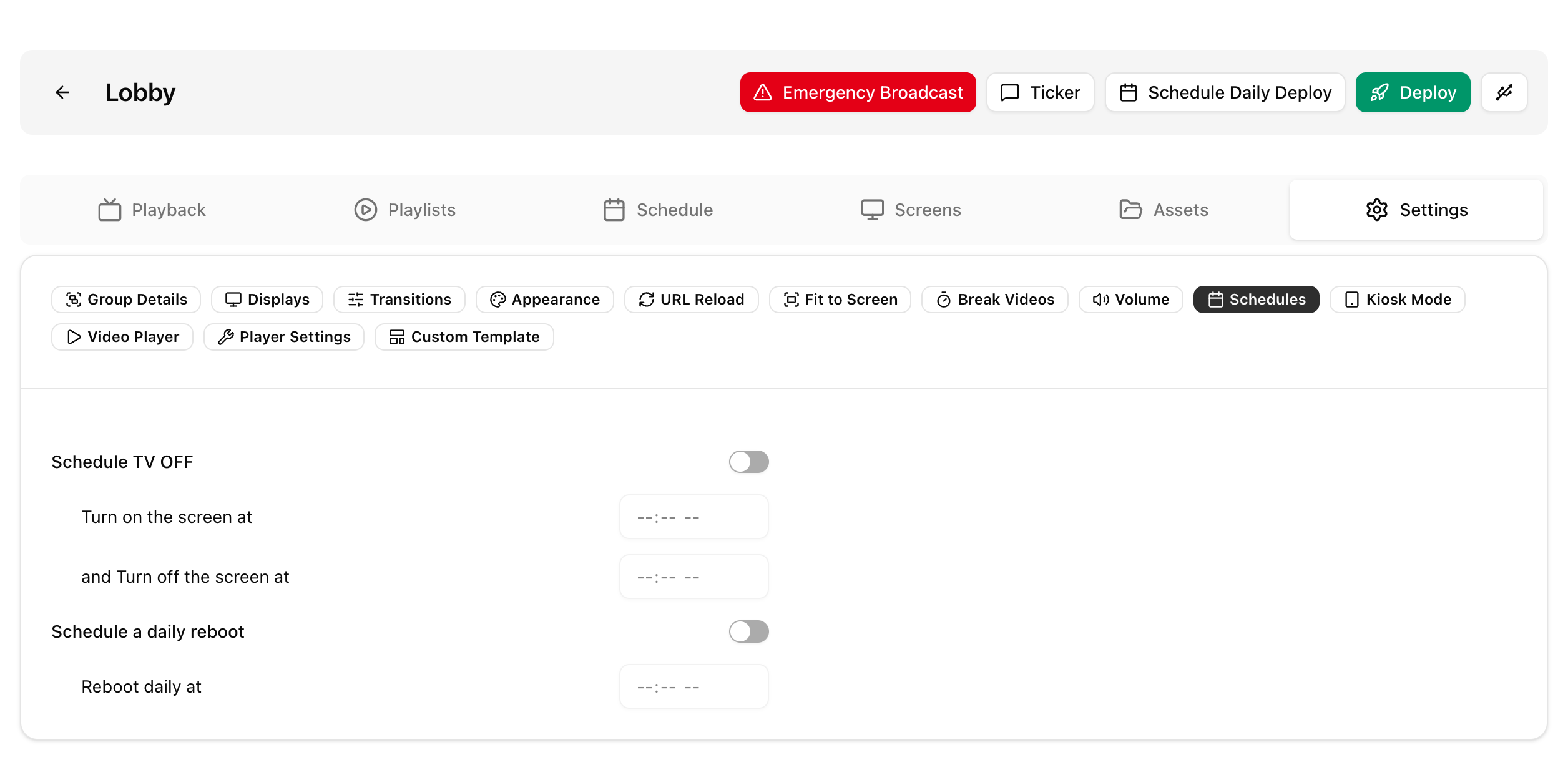
- Deploy the group.
In the legacy UI, go to Groups, open the group, then Settings, then Daily jobs, and set Reboot players daily at.
See Groups for the other group settings.
More than one reboot per day
Schedule it at the Linux level with a systemd timer. These guides help: systemd timers and the Arch Wiki page on systemd timers.
Do not add the reboot to the player user's crontab. The player manages that crontab, so your entries may be overwritten.
Powering off
A player can normally be powered off without a shutdown command. To shut it down from the server before cutting power, run this in the player terminal.
sudo shutdown -h now