Documentswhat-is-the-browser-used-in-pi-player
What is the browser used in Pi player
The Pi player uses Chromium, and its version depends on your player image.
The Pi player uses the Chromium browser to display web pages, HTML assets and widgets. The Chromium version is bundled with the player image and OS, so it may differ between players.
Find the browser version
Run this command:
chromium-browser --version
From the server
- Open Screens and click the eye icon (View Details) in the player's row.
- Select the Terminal tab.
- Type the command and press Enter or click Execute. The browser version appears in the Terminal Output.
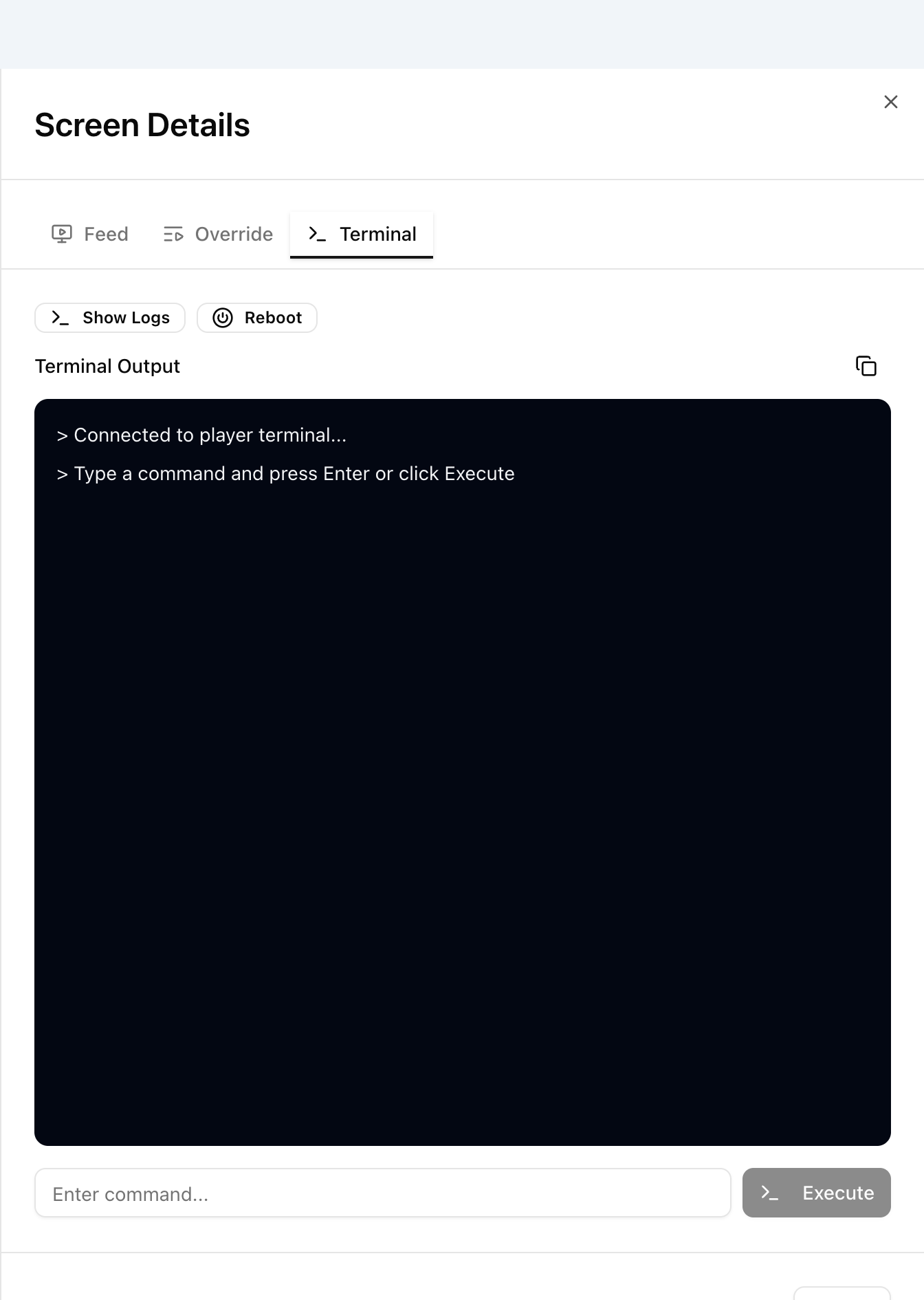
In the legacy UI, click the terminal icon (>_) in the player's row on the Players page and run the command.
On the player
If you have SSH or terminal access to the player, run the same command there.
Screens covers the Terminal in more detail. For more about the browser's configuration, write to support@pisignage.com.