Documentsplaylist-changes-not-reflected-on-the-player---deploy
Playlist changes not reflected on the player - Deploy
Changes are only staged until you press Deploy on the group.
After you change any asset, playlist or setting, go to the group and press Deploy. Until then the changes stay as a draft and are not sent to the players. See Groups.
Deploy
- Go to Groups and open the group.
- Press Deploy at the top right of the group page.
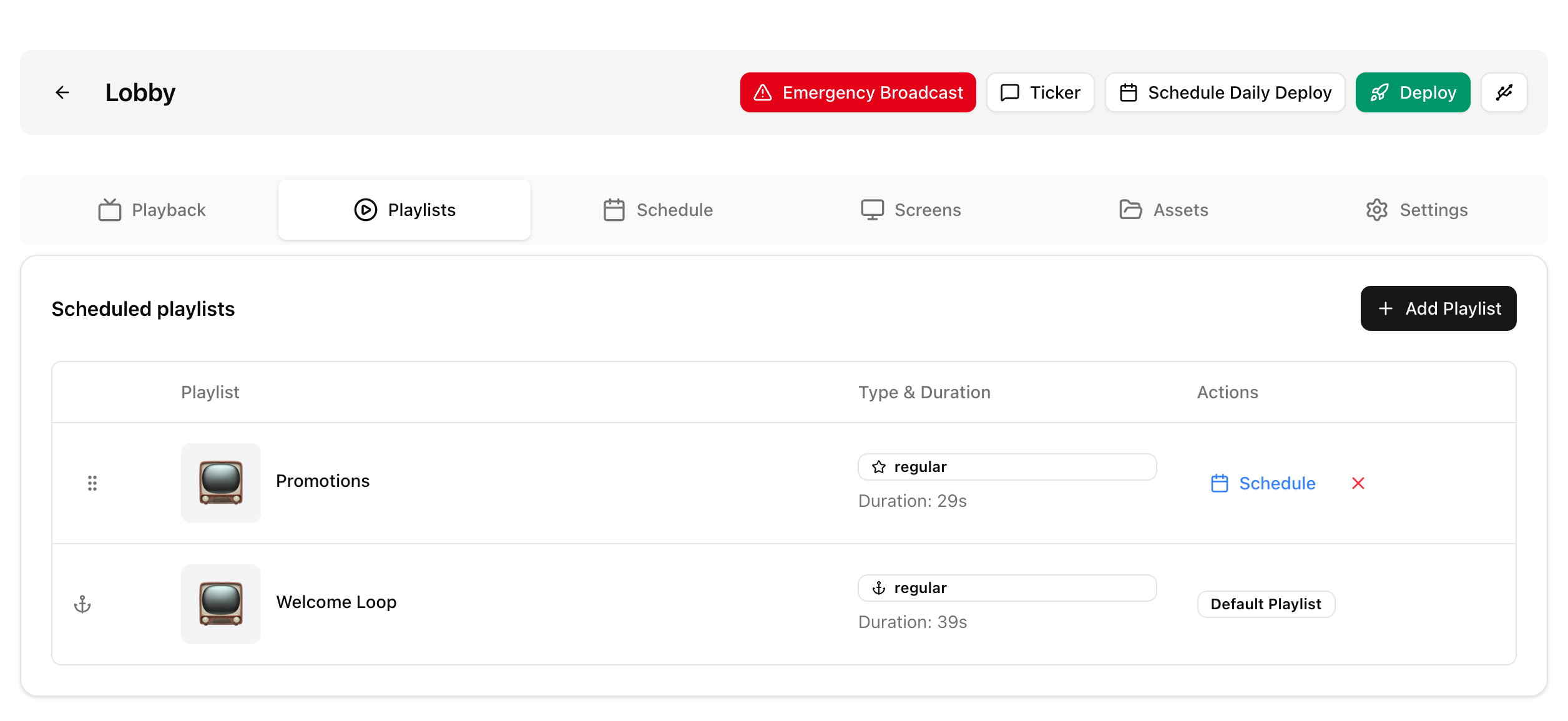
- Players in the group pull the changes and start playing the new playlist.
In the legacy UI, open the Group Details screen and press Deploy.
Deploy later
Within the next 24 hours you can deploy at a chosen time. Press NOW, choose the time, then press Deploy.
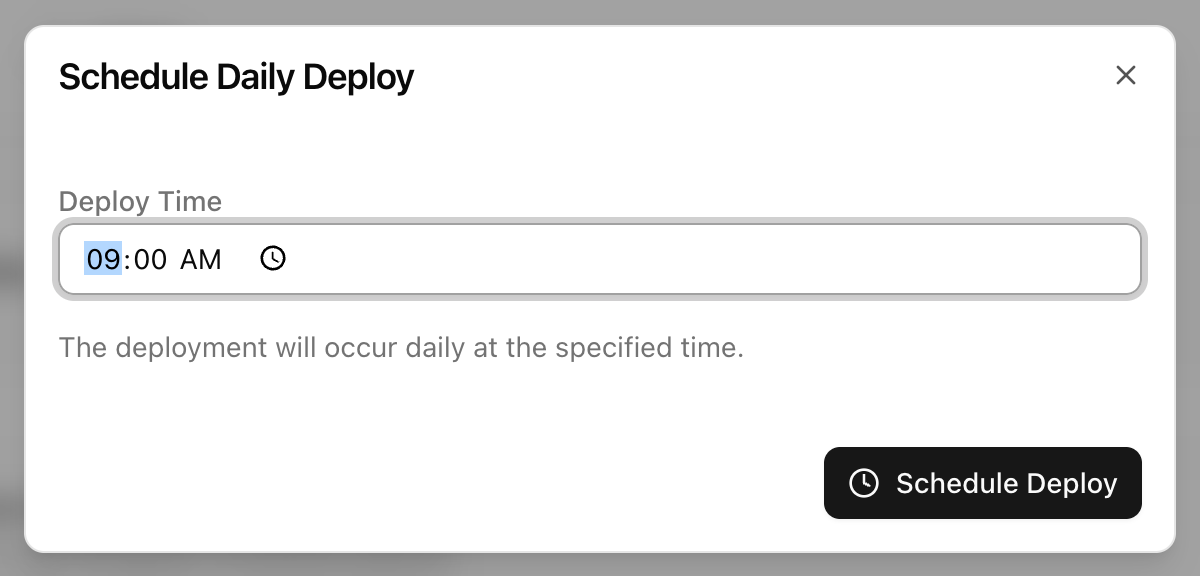
Schedule Daily Deploy
On the group page, Schedule Daily Deploy sets a time to deploy the group every day. This is handy when several people add content during the day.
Still not updating
- Check the player is online, see Player not showing in the server or not reporting - troubleshooting checklist.
- See Changes made in playlist are not reflected after Deploy.