Documentssetting-the-audio-volume
Setting the audio volume
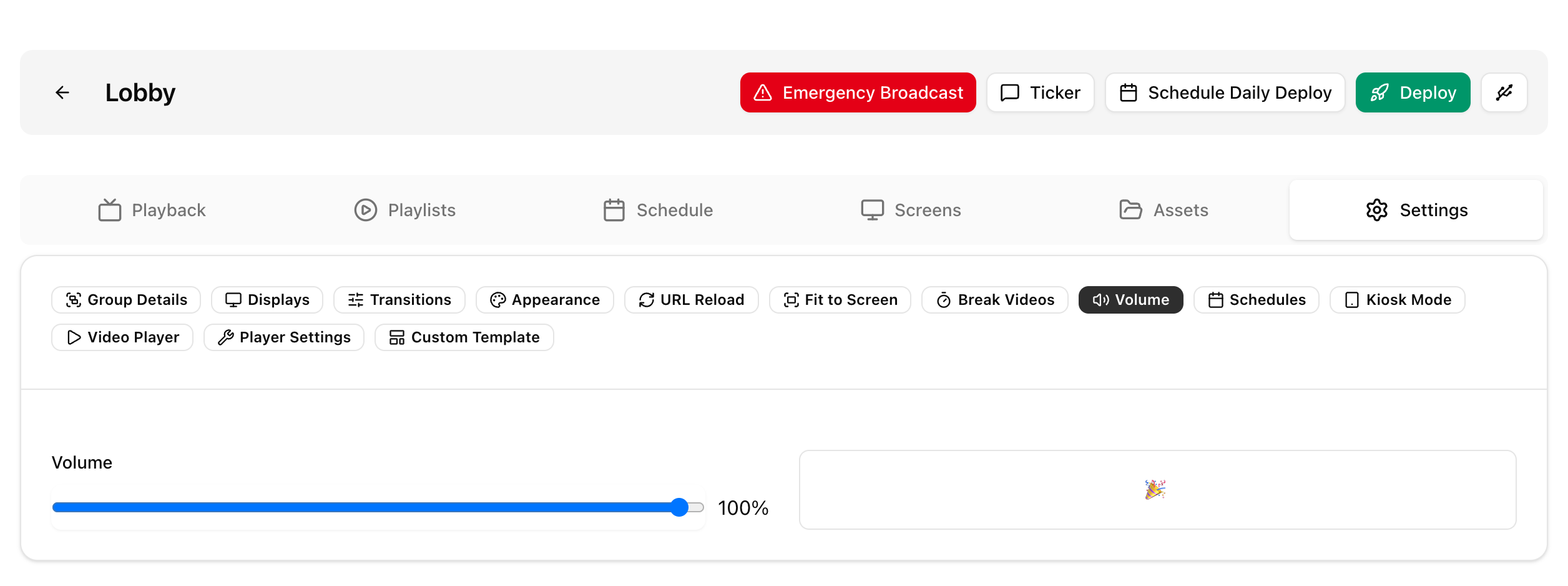
Set the volume of all screens in a group from the group settings.
Volume is set as a percentage in the group settings. The default is 100%.
- Go to Groups and open the group.
- Open Settings and set Volume.
- Save and deploy the group.
See Groups for the other group settings. A playlist can also have its own volume level, see Playlists.