Documentswhat-is-player-id
What is player ID
The player ID is the 16-digit code you use to register a player.
The player ID is a 16-digit identifier shown in four groups, for example 4000-0000-7c45-9824. You need it to register the player with the server. In the current UI it is also called the Screen ID. See Screens.
Where to find it
- Player welcome screen (Raspberry Pi) or Android app screen: the ID appears on the screen.
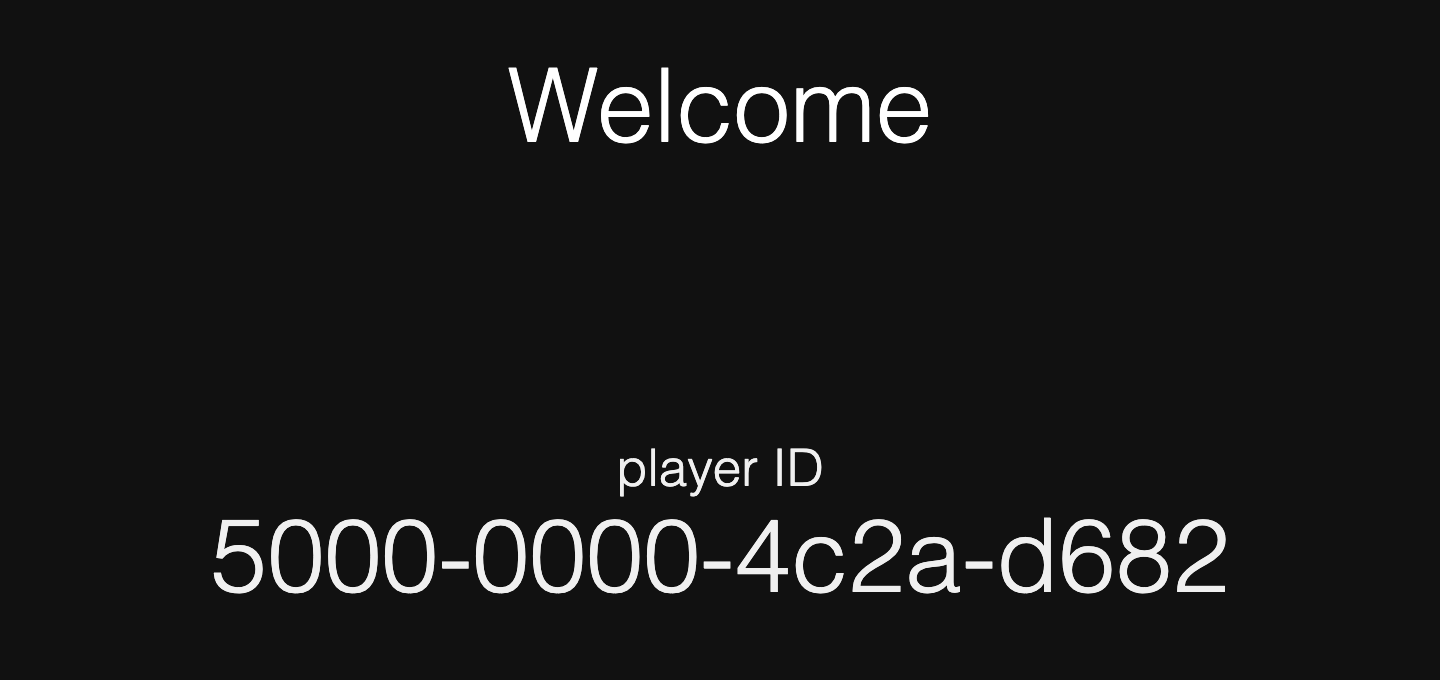
- Screens page on the server: in the new UI each row shows the ID under the player name. In the legacy UI it is in the player details.

- Player local web page: open
http://<player-ip>:8000and find the ID in the top bar. - Pi terminal: run the command below, or check the
cpuSerialNumberfield in~/player2/config/_device-settings.json.grep "Player device id" ~/forever_out.log - Android or Amazon Signage Stick: run this command in the Terminal tab.
cat device_id
How it is formed
- Pi player 4.x and 5.x: the ID is derived from the MAC address, so IDs start with
4000-0000. If no MAC address could be read, IDs start with4100-0000. A duplicate ID on a new board usually means the SD card was cloned. See the help article Duplicate ID on a brand new Raspberry Pi board. - Legacy player 2.x and 3.x: the ID is the Raspberry Pi CPU serial. Read it with:
cat /proc/cpuinfo | grep Serial - Android and Amazon Signage Stick: the app generates the ID on first start. IDs start with
5000.
See also How to get the MAC address of the player.