Player logs
The player writes its log to forever_out.log. You can view it right from the server.
The player writes its log to forever_out.log in the player's home folder, which is /home/pi on standard images. It covers connectivity, downloads, playback and crash information.
See the logs from the server
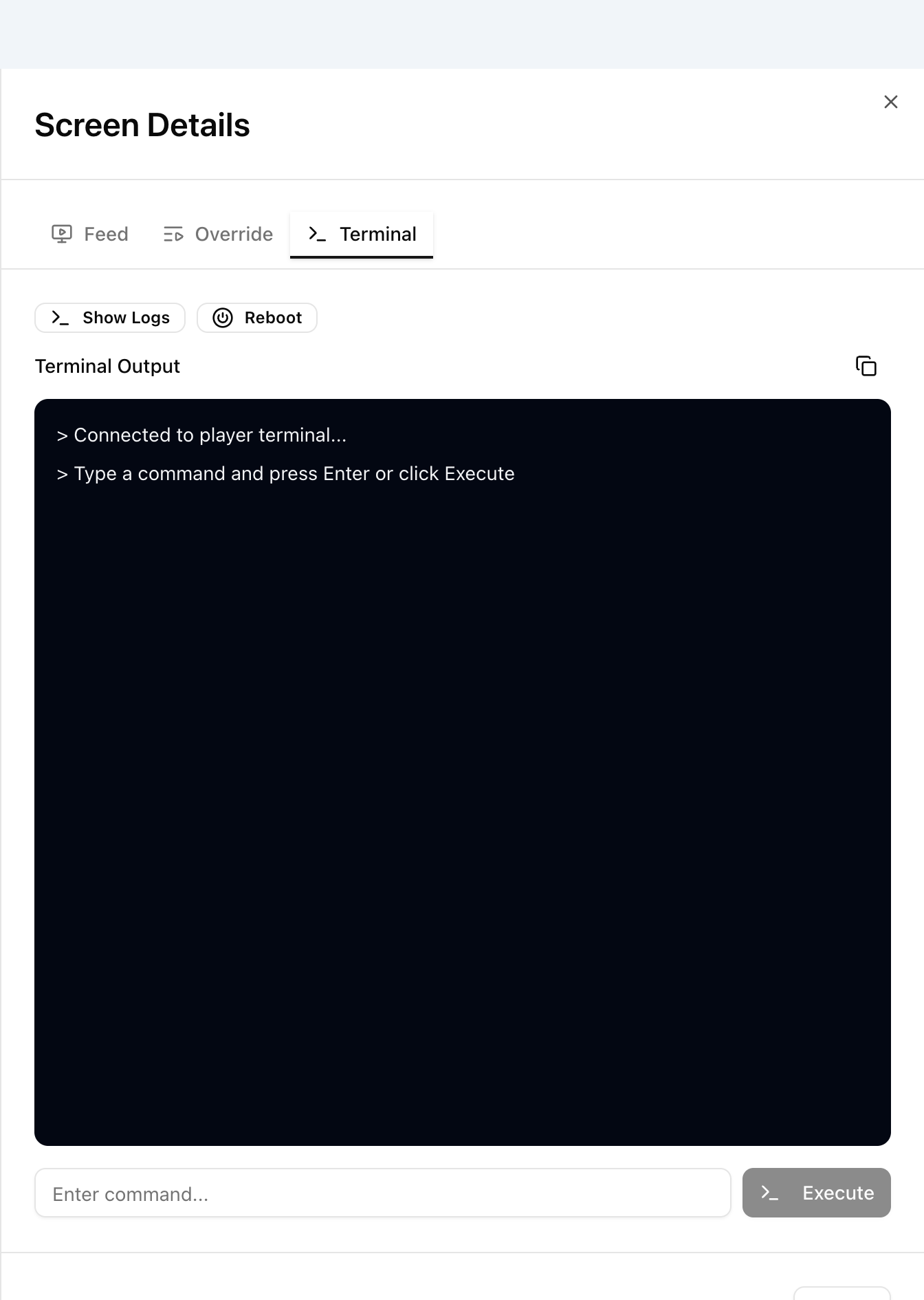
- Go to Screens and click the eye icon (View Details) for the player.
- Open the Terminal tab.
- Click Show Logs. The last 200 lines appear in Terminal Output.
In the legacy UI, go to Players, click the terminal icon (>_) for the player and run:
tail -200 /home/pi/forever_out.log
For more on shell access see Issue shell commands or connect to pi terminal. Also see the Terminal section of Screens.
Android and Amazon Signage Stick players
Show Logs works the same way. In the legacy UI, open the player's terminal (>_) and run:
tail -200
For other commands see PiShell Commands for Android and Amazon Signage Stick Players.
Other log files
On Raspberry Pi and Linux players these are in the same folder.
| File | What it has |
|---|---|
forever_err.log |
Errors when the player software starts or crashes |
forever.log |
Output of software upgrades |
Raising a support ticket
Copy the Show Logs output using the copy icon above Terminal Output and send it with your ticket to support@pisignage.com. It helps us find the problem faster.