Dual Display with PiSignage
Run two displays from one Raspberry Pi 4 or Pi 5.
Dual display works only on the Raspberry Pi 4 and Raspberry Pi 5.
Players supported
| Hardware | Image |
|---|---|
| Raspberry Pi 4 | The 5.3.2 image or the 4.9.0 / 5.1.0 legacy image |
| Raspberry Pi 5 | The 5.3.2 image |
| Others | Not supported |
Download the images from GitHub. A Pi 4 running 3.2.0 or another Player1 version should use the 5.3.2 image when you write the SD card. See Raspberry Pi and Raspberry Pi for the current images.
Dual display configurations
After installing the image, connect both displays to the Pi. Choose the arrangement in the Displays section of the group settings, see Group Settings and Groups.
- Mirror: the content of Display1 is duplicated on Display2.
- Enable 4K: content appears only on the display connected to the primary HDMI port, with 4K mode enabled. H265 4K videos are supported only in the VLC media player. See 4K Digital Signage with PiSignage - 4K Video on Raspberry Pi 4, Raspberry Pi 5 and Amazon Signage Stick.
- Tile: the two displays show different content. Tile Horizontal places the displays side by side in landscape mode, Tile Vertical side by side in portrait mode.
Clicking Reverse Order in the group settings swaps the content between HDMI-1 and HDMI-2.
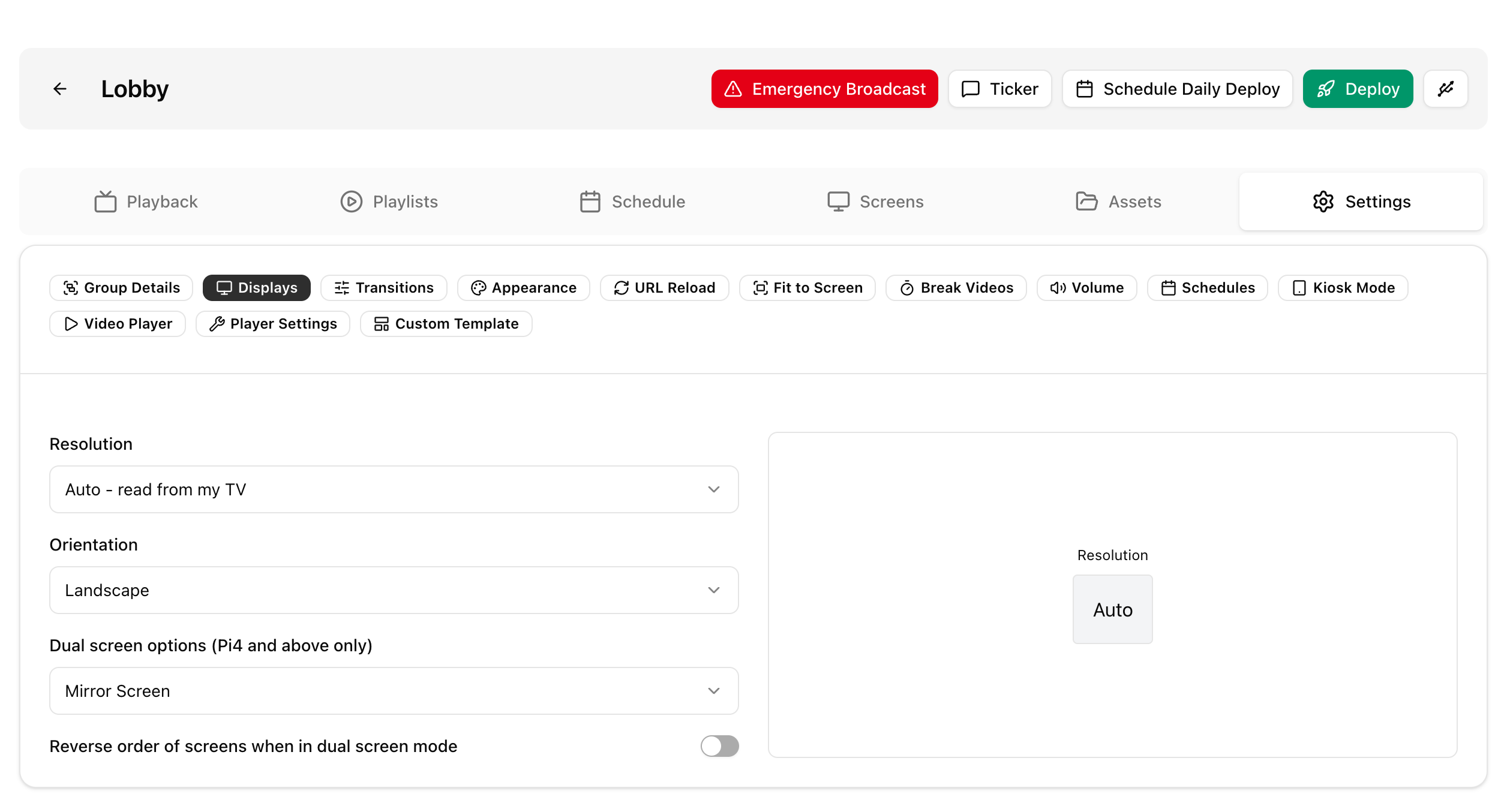
Playlist changes needed
To show content on both displays, create a MultiZone playlist (for example layout 2a, 2b or 2c) and assign assets to the Main and Side zones.
- Content in the Main zone plays on Display1.
- Content in the Side zone plays on Display2.
Debugging and things to remember
When you write to support, send:
- The output of this command, run from the player's terminal. See Issue shell commands or connect to pi terminal.
xrandr
- For a custom layout, confirm that assets are assigned to the right zones. With Main and Side zones, do not assign assets to the bottom zone or to zone4, zone5 or zone6.
TV OFF works only on the primary display and not the secondary, because of the limitations of the Raspberry Pi cec_client.